If you’re wondering how to prepare for a virtual job interview, a little planning can help you feel much more comfortable when it’s time to join the call.
What Makes Remote Interviews Different From In-Person Interviews?
In a remote interview, employers are still evaluating if you can do the job, communicate well with the team, and show up as reliable and engaged. They’re also looking at how prepared and comfortable you seem in a video setting, from your setup to the way you interact through the screen.
The flexibility to work from almost anywhere is one of the career benefits of remote work, but it also means you’ll be mostly communicating with coworkers online. A strong interview helps show that you can collaborate with a distributed team, explain your ideas, and handle small technical issues without losing focus.
How to Prepare for a Successful Virtual Interview
If you’re applying for remote positions, there’s a good chance at least one stage of the hiring process will take place over video. These tips for virtual interviews will help you get ready.
Research the Company and the Remote Role
Knowing how to apply for remote jobs involves more than submitting your resume. Before the interview, review the job description and identify the skills and responsibilities the employer emphasizes. Visit the company’s website to understand its work, values, and remote culture so you can connect your experience with the position. Pay attention to details such as working hours, time zones, communication expectations, and whether the role is fully remote. Write down any points you want the interviewer to clarify.
Get Comfortable With the Interview Platform
Find out which video platform the company will use and test it before the interview. Make sure the app is up to date and that you know how to join a meeting, mute yourself, and adjust your camera or microphone. Check the name and profile photo associated with your account, too. You don’t want an old username or a random photo to appear when you join the call.
Test Your Camera, Microphone, and Internet
Check your camera, microphone, and internet connection before the interview. Make sure the interviewer can see and hear you clearly, and close any apps or browser tabs you won’t need. Turn off notifications to avoid distractions or exposing personal information during the call.
Prepare a backup plan in case something goes wrong. Keep the interviewer’s contact details nearby, make sure your phone has a stable internet connection, and know how you will rejoin the meeting. If the problem continues, contact the interviewer promptly, explain what happened, and suggest another way to continue

Choose a Quiet Place With Good Lighting
Pick a quiet space where you’re unlikely to be interrupted. Place your main light source in front of you so your face is easy to see. If possible, raise your laptop or camera to eye level to create a more natural angle.
Practice Answering Questions on Camera
Talking through a screen can take some getting used to. Practice answering a few common questions while recording yourself. This will help you see whether you’re speaking clearly, looking toward the camera, or giving answers that are longer than necessary. You can keep a few short notes beside your screen. Your notes should help you remember important points without making you sound like you’re reading from a script.
Look at the Camera When You Speak
It’s natural to watch the interviewer’s face on your screen, but this can make it look like you’re avoiding eye contact. Try looking at the camera while answering and return your attention to the screen while listening. Moving the video window closer to your camera can make this feel more natural.
Prepare Examples That Show You Can Work Remotely
The interviewer may ask how you manage your time, communicate with coworkers, or stay focused without direct supervision. Prepare a few examples that show how you’ve handled these responsibilities in the past. If you haven’t worked remotely before, talk about other experiences. Think about a time you did a project independently, worked with people in different locations, or used online tools.
Prepare Questions About the Remote Work Environment
The questions you ask can show that you understand how remote teams operate. Ask how the team communicates, which tools it uses, how performance is evaluated, and whether employees need to work within specific hours or time zones. Choose two or three questions that are relevant to the position. Avoid asking for information that is already explained in the job description or on the company’s website.
What to Do After a Remote Job Interview
Send a brief thank-you email within 24 hours of the interview. Mention a specific topic from the conversation, restate your interest in the position, and provide any information the interviewer requested. Keep the message concise and professional. If the company shared a decision timeline, wait until that period has passed before asking for an update. When no timeline was provided, ask the interviewer when you can expect to hear about the next stage of the hiring process.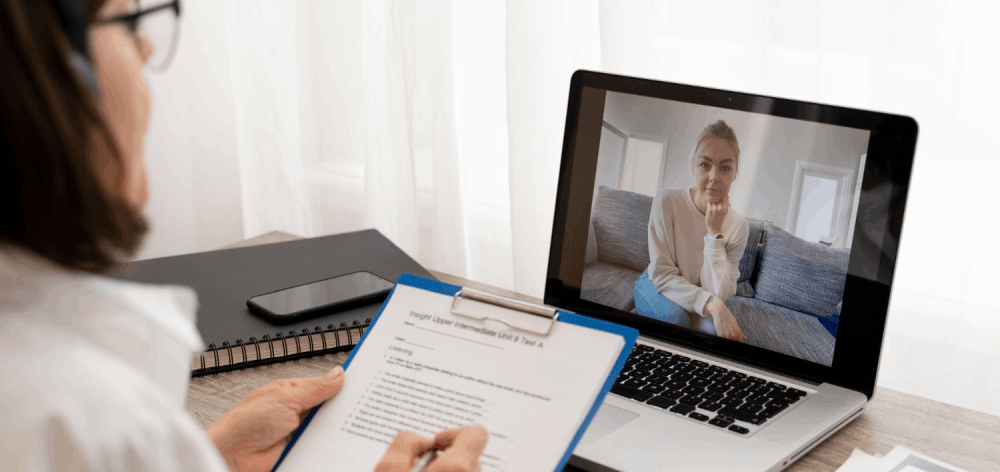
Feel Confident Going Into Your Interview
Preparing for a remote job interview begins with finding an opportunity. RemotePro connects candidates with remote positions from companies hiring around the world, giving you the chance to explore roles beyond your local job market. Your next remote job is closer than you think! Explore open roles and start applying to remote positions from companies hiring around the world — no matter your time zone or location.